For wedding DJs
The DJ song request app built for wedding DJs
Their requests, your brand, your call.
Many request apps were made for bars. TuParty was made for the reception: guests of every age request and vote during dinner, you approve every song, and the whole app looks like it was built by your company.
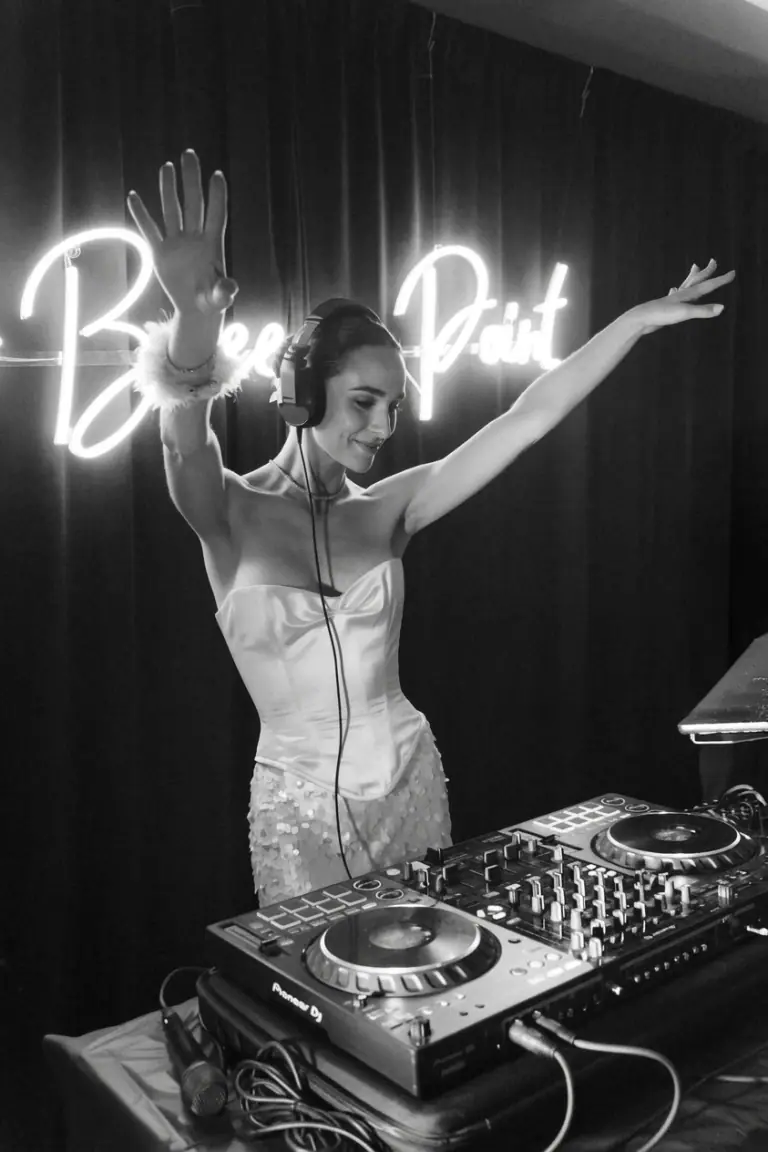
Why do wedding DJs need a different request app?
Taking requests at a bar and taking requests at a wedding are two different jobs. A tool built for the first one gets in the way at the second.
| A request app made for bars | TuParty, made for weddings | |
|---|---|---|
| The crowd | Regulars who know how to use apps, standing at the bar. | Guests from eight to eighty, seated at dinner. If it needs a download or an account, half the room is out. |
| The moment | Requests all night long, straight from the dance floor. | Requests during dinner, so you have a ranked list before the first dance and phones stay in pockets afterwards. |
| The rules | Whatever gets requested, gets considered. | The couple decides what never plays. Their do-not-play list is blocked before the first guest scans. |
| The brand | The app's own logo on every screen. | Your logo, your colors and your contact link, in front of the people planning the next weddings. |
What do you get as the DJ?
-
White label: it looks like your own app
Guests never see TuParty. They see your logo, your colors and your socials. For two hundred people, the app they request songs from belongs to your company.
-
Every wedding books the next one
The guest screen links to your socials and your contact form. Half the room is at the age of getting married and has just watched you work: that is where they follow you and message you.
-
Easy for every age
Designed from day one so anyone can use it, from the flower girl to the grandparents. No download, no sign-up, no password, which is what gets the whole room taking part.
-
Built for weddings
Designed for dinner, the moment that works best for collecting requests according to what we have seen at more than 1,000 weddings a year in Spain and Latin America. With what that moment needs: votes, a ranked list before the dance floor opens, a do-not-play list and one QR code per wedding running at the same time.
How does it fit into your wedding workflow?
Nothing to install at the venue and nothing new to learn in the booth.
- 01
At the planning meeting
Load the couple’s do-not-play list. Those songs disappear from the guest app, so nobody requests them twenty times.
- 02
Before the reception
Put your QR code on the table cards or a table sign. It is the same code every weekend, so you print it once a season.
- 03
During dinner
Guests request and vote from their seats. You watch the ranked list build on your phone or laptop while you play dinner music.
- 04
When the dance floor opens
You already know what this crowd wants. Approve what fits your set, decide when it goes in, and read the room as always.
Do I lose control of my set?
No. You approve or reject every song. You are still in charge.
TuParty never plays music and never queues anything on its own. It shows you a list ordered by votes, and you decide what goes in, when it goes in and what never plays at all. What it takes away is not control. It is the guesswork.
Want to see how guests experience it? Start with the wedding song request app overview. Comparing tools? Here is how to choose a wedding song request app .
Tell us about your season
How many weddings you play, whether you run more than one team, and how you want the app branded. We will show you the rest on a call.
Rather see it live? Book a demo .
Tell us about your weddings
Four questions and we will get back to you the same day.
DJ questions, answered
What is a DJ song request app?
A tool that lets guests send song requests to the DJ from their phone instead of walking up to the booth. With TuParty, guests also vote on each other’s requests, so the DJ sees what most of the room wants, not just what the loudest guest asked for.
Do I have to connect it to my DJ software?
No. TuParty does not touch your gear or your software. It gives you a ranked list on your phone or laptop, and you play from your own setup as always.
Can I see requests on my laptop in the booth?
Yes. The DJ panel works on your phone or your laptop, whichever you prefer.
Does the QR code change from one wedding to the next?
No. Your code stays the same so you only print it once. If you play several weddings on the same day, you get one reusable code per wedding.
Can I resell TuParty to my couples?
Yes. Many DJs add it to their wedding packages as an upgrade and charge for it separately.
Do guests need to create an account or pay?
Neither. Guests scan, request and vote from the phone browser for free. You hold the plan.